How to connect Sensing Clues with Animal Detect
Use Animal Detect to process your images, then send the observations to your Sensing Clues Group.
1. Connect your account
In Animal Detect open Dashboard → Settings → Integrations. Find Sensing Clues and click Connect account. Enter your Sensing Clues username and password.

2. Process images normally in Animal Detect
Create an upload, review detections, and finish filtering and sorting as you normally do. You only use the Sensing Clues upload on the Results page of a completed upload.

3. Upload observations
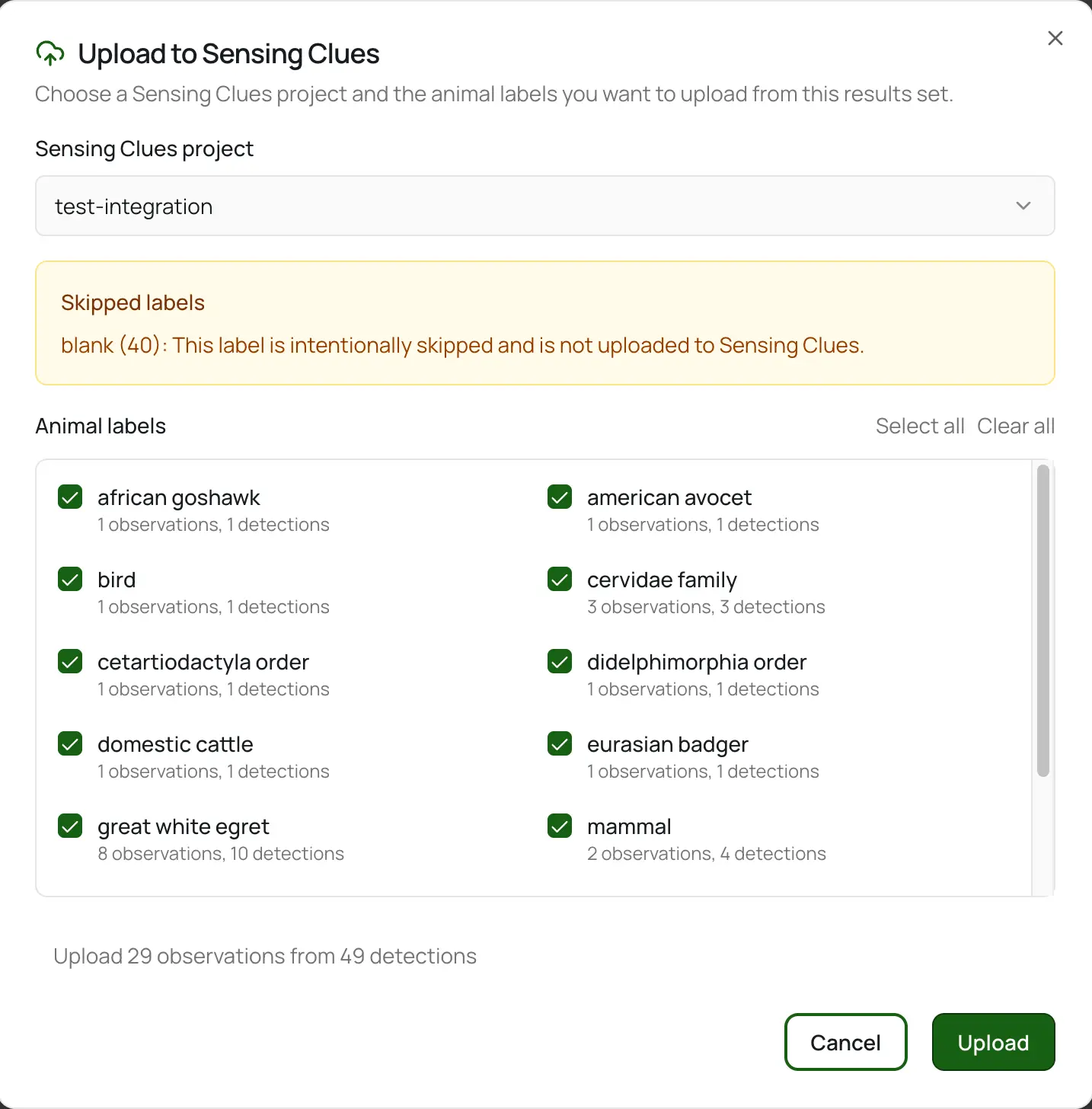
On the Results page, click Upload to Sensing Clues. Choose which labels you want to send and pick the Sensing Clues Group that should receive them. Animal Detect uploads the selected observations for you.